¶ Setting up a Server
Follow this step-by-step guide to create your first game server on Tick Hosting.
The entire process takes less than 5 minutes!
¶ Navigate to Free Server
Start by accessing the server creation page. In your dashboard, locate and click on "Free Server" in the sidebar navigation menu.
¶ Click "Start a Server"
Once you're on the Free Server page, you'll see a prominent "Start a Server" button. Click this button to begin the server creation process.

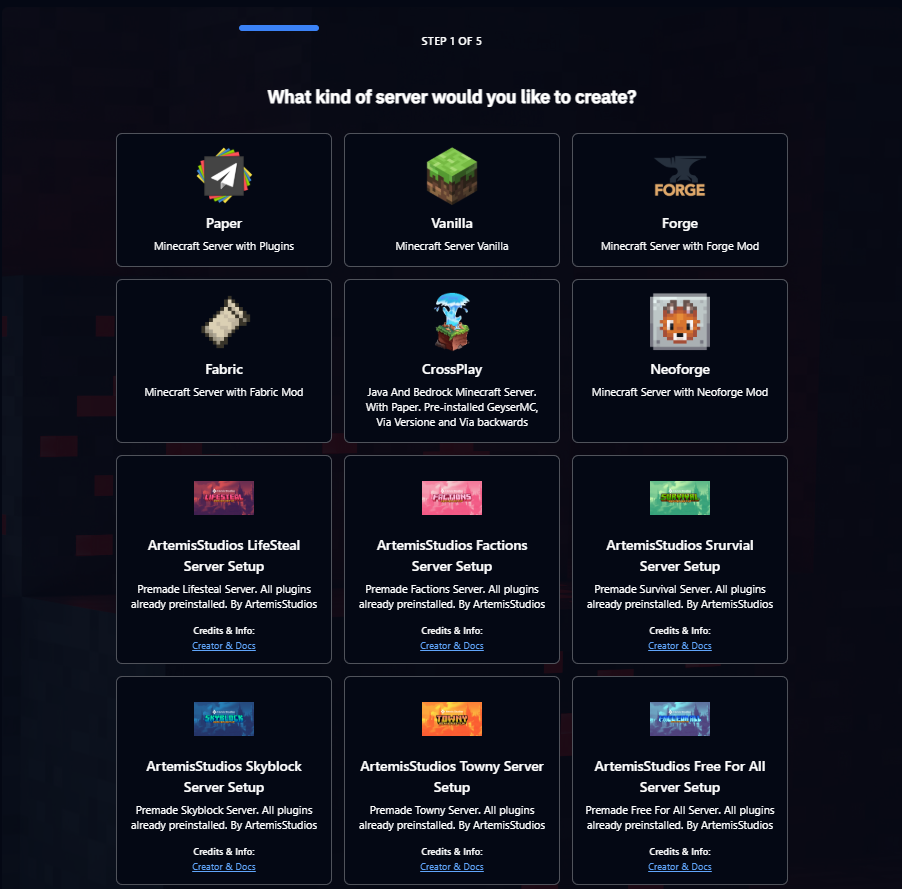
¶ Choose Server Software
Select your preferred server software from the available options. You can choose between:
- Minecraft Java Edition - Vanilla or modded gameplay
- Minecraft Bedrock Edition - Cross-platform compatibility
- Pre-configured setups - Ready-to-play server configurations
- Others
Recommendation: If you're new to server hosting, start with a pre-configured setup for the best experience.
¶ Select Version
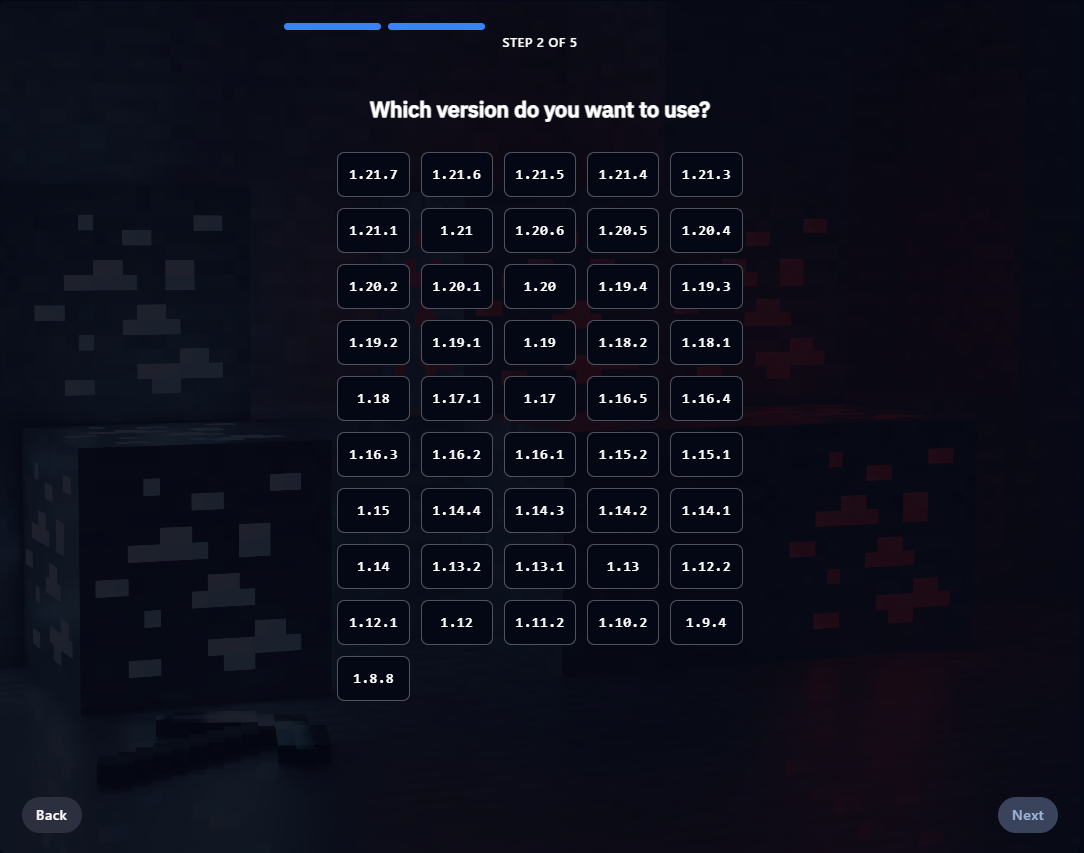
Choose the game version for your server. We recommend selecting the latest stable version for the best performance and security. Popular choices include:
- Latest Release - Most up-to-date features and security
- 1.20.x - Current stable version with excellent mod support
- 1.19.x - Popular choice for established communities
- Others
¶ Configure Server Resources
For free servers, you'll receive our standard resource allocation. These resources are perfect for small communities and testing:
Need more resources? Upgrade to a Premium Server for enhanced performance, more storage, and additional features.

¶ Choose Server Location
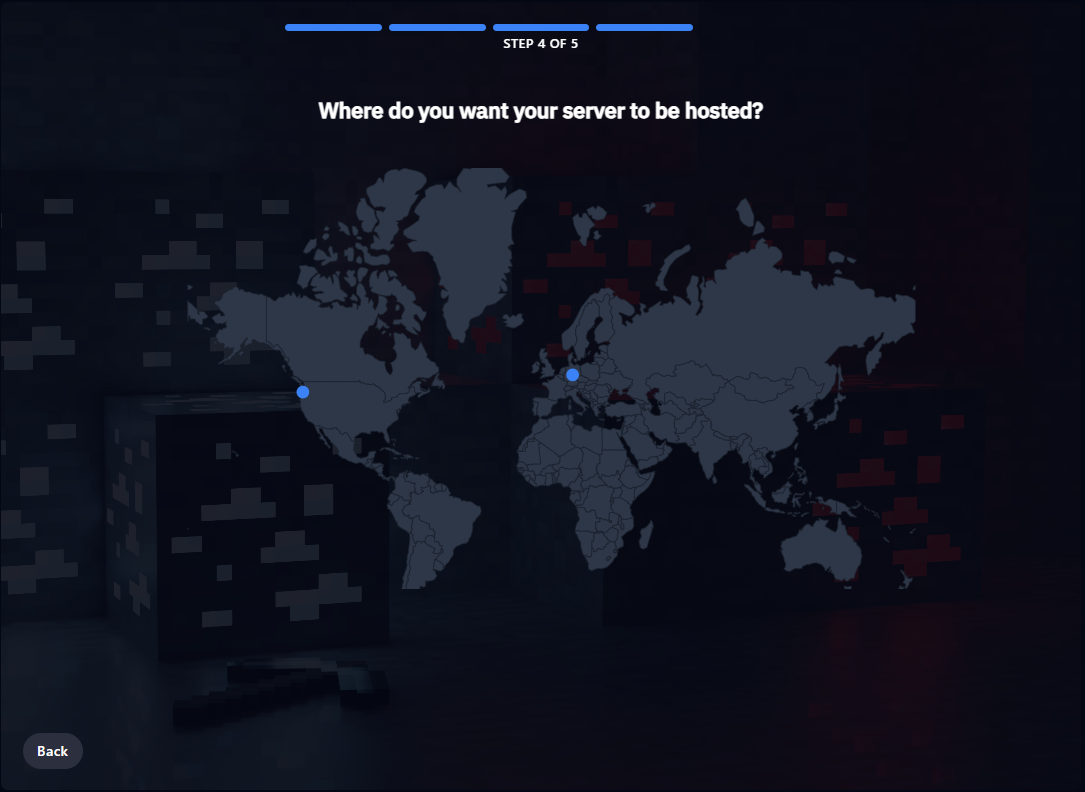
Select the server location closest to your players for the best performance and lowest latency. Available locations include:
- North America - USA East/West Coast
- Europe - Germany
Performance Tip: Choose the location closest to the majority of your players for optimal gameplay experience.
¶ 🎉 Congratulations! Your Server is Created
Your game server has been successfully created and is now being deployed. This process typically takes 2-3 minutes to complete.