¶ Learn to Use the Console
Master your server management with the Tick Hosting Console.
This powerful interface gives you complete control over your game server.
¶ Console Overview
The console interface is your main dashboard for server management. It provides real-time information about your server's status, performance, and allows you to execute commands directly.
Pro Tip: Keep the console open while playing to monitor your server's performance in real-time.

¶ Server Control Buttons
Use these essential buttons to manage your server's power state. Each button serves a specific purpose:
Important: Always use the STOP button before making configuration changes to prevent data loss.

¶ Support Information
Located on the right side of your console, the Support Info button provides essential technical details about your server. This information is crucial when contacting our support team.
The support info includes: Server ID, Node information, Creation date, Current software version, and Resource allocation details.
Quick Help: Always include this information when creating support tickets for faster assistance.
¶ Server IP Address
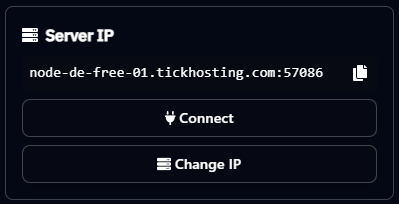
The IP section displays your server's connection address and port. This is what you and your players will use to connect to the server. The IP is usually formatted as ip.address:port
Convenience: Click on the IP address to automatically copy it to your clipboard for easy sharing.
¶ Console Commands
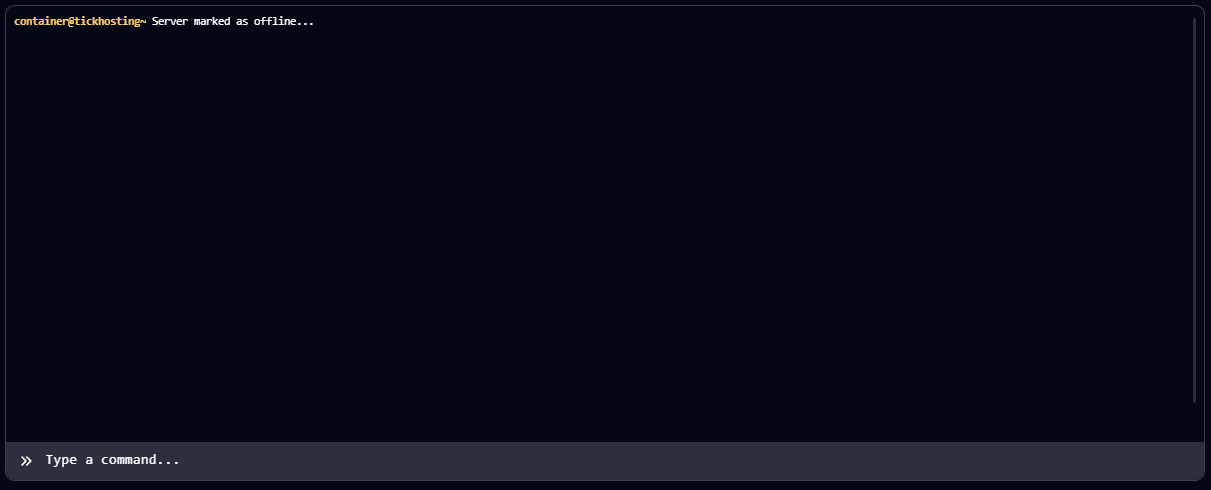
The console input field allows you to send commands directly to your server. Here are some essential commands to get you started:
¶ Performance Monitoring
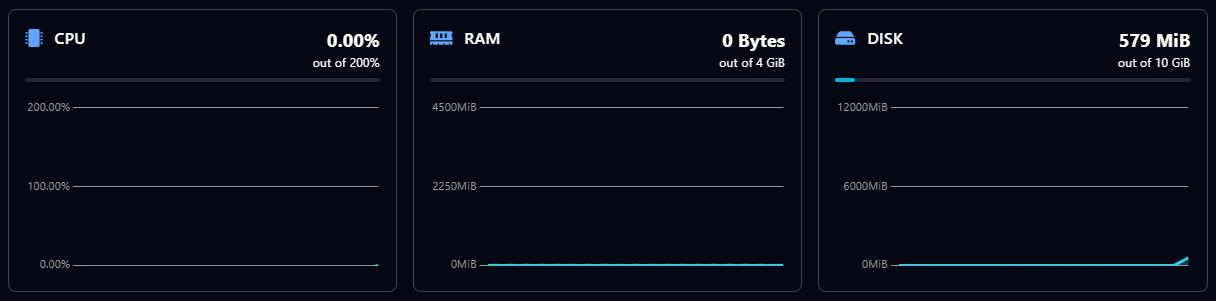
Below the console, you'll find real-time performance graphs that monitor your server's resource usage. These graphs help you understand your server's performance and identify potential issues.
Optimization: Monitor these graphs regularly to ensure optimal server performance and prevent resource bottlenecks.
¶ Server Renewal (Free Servers)
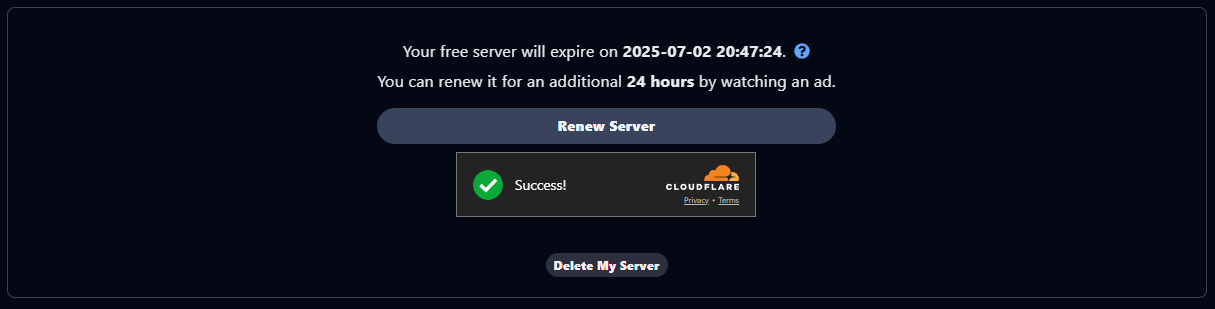
If you're using a free server, you'll see a renewal section at the bottom of your console. Free servers require periodic renewal to continue running.
¶ How Server Renewal Works:
- Click the "Renew Server" button when prompted
- Watch a short advertisement (typically 30-60 seconds)
- Your server will be renewed for another period
- Renewal extends your server's active time
Warning: If your server is not renewed before the deadline, it will be automatically deleted and all data will be lost permanently.
¶ 🌙 Understanding Server Hibernation
Now that you've mastered the console, learn about our innovative hibernation system that helps save resources and extend your server's lifetime automatically.